

*This post may contain affiliate links for which I earn commissions.*
If you have spent any time researching online business, you’ve probably seen long lists of “must-have” tools you absolutely need to survive and succeed online.
Things like premium funnel builders. Advanced AI-powered automation platforms that make your head spin. Monthly subscriptions for software you have never heard of.
The whole thing makes you feel like you need a tech budget rivaling that of a mid-size firm to even get off the ground.
For midlife professionals especially, this creates massive confusion – and they hesitate to make any move at all.
This is despite the fact that you’re not afraid of work. You are not afraid of learning. You’ve done both most of your adult life.
But you do not want to throw money at tools you do not understand or know if you need. Especially while juggling a job, family, and other responsibilities.
Here is the reality. . .
You do NOT need a stack of expensive paid tools in year one.
Instead, you need a lean and mean setup that helps you publish, collect emails, and recommend useful products. That’s it.
And I’ll show you an easy, realistic way to get started for under $200 and explain where paid tools actually make sense.
Start With What Actually Matters
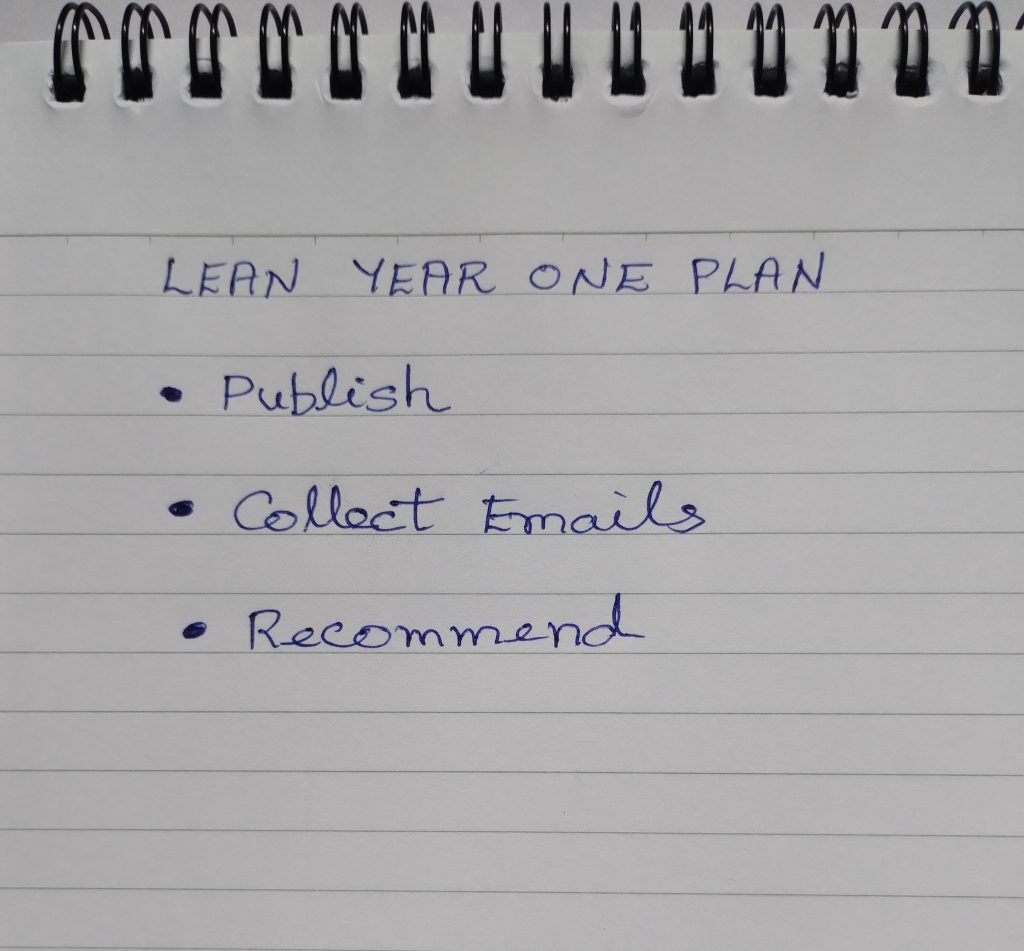
When you strip away the noise, most simple online businesses need just three core elements:
- A place to publish content
- A way to collect email subscribers
- A way to recommend or sell something
You do not need advanced automation. You do not need a premium course platform. You do not need complicated funnels.
In year one, your main job is to:
- Clarify your niche
- Create helpful content
- Build trust
- Grow a small but engaged email list
If a tool does not directly support one of those goals, you can probably skip it for now.
Many beginners overspend because they are trying to feel “official.” A shiny tool stack feels like progress. But progress comes from publishing and connecting, not from paying for dashboards.
Here’s a mindset shift you may find helpful: instead of chasing dozens of things at once, focus on the vital few that actually moves your business forward. Check out Gary Keller’s book “The ONE Thing: The Surprisingly Simple Truth About Extraordinary Results” for precisely how to do that.
A Lean Setup That Can Cost Under $200
Let’s talk numbers.
Here is a realistic, beginner-friendly setup that keeps costs low and control high.
Domain Name and Hosting
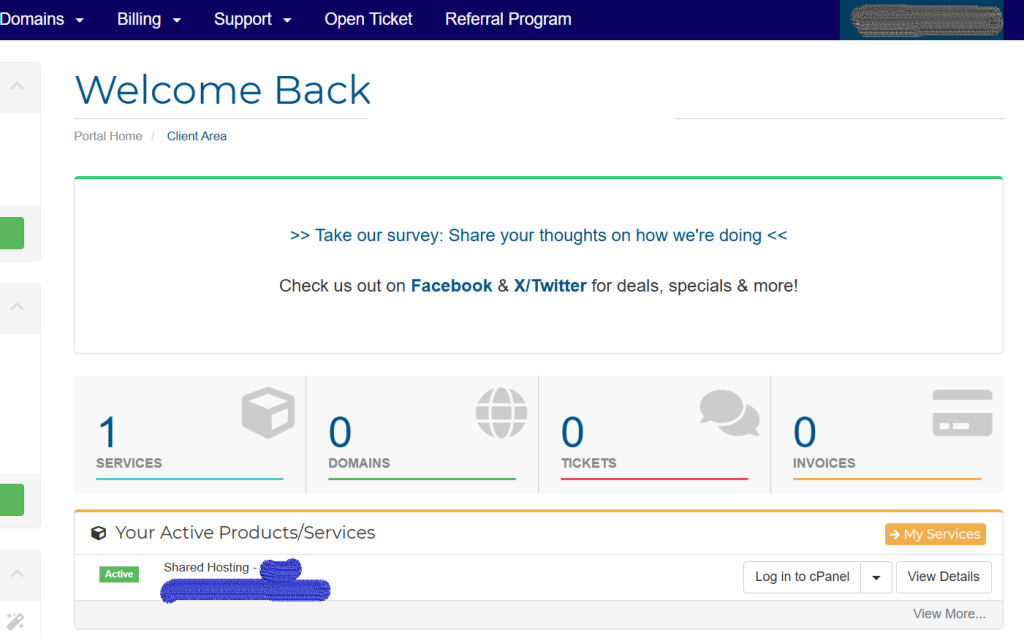
You will need a domain name, which usually costs around $10 to $15 per year.
For hosting, you can use a basic shared hosting plan. Many reliable providers offer starter plans under $100 per year. Pair that with WordPress, which is free, and you have full ownership of your site.
If you prefer something even simpler, beginner-friendly website builders like Squarespace or Wix bundle hosting and design together. They are easy to use but cost more over time.
If you are comfortable learning a little, WordPress gives you flexibility at a lower long-term cost.
I mentioned elsewhere that when I got started online, I had to hand-code sites using HTML. Because there were no site builders like WordPress available back then.
Once WordPress came along, I started using it and stuck with it – no real issues (despite the bad press you see about WordPress in some corners). Incidentally, THIS site is built using WordPress.
Anyhow, year one estimate so far: $80 to $120 total.
An Email Marketing Tool
You will need an email service provider. This is non-negotiable if you want a real business.
You CAN of course defer setting up an email list for a while until you have some traffic flowing to your website. But it’s a good idea to set it up early on and get familiar with using it (not difficult at all, by the way).
Now, the good news is that many email platforms offer free plans for your first 500, 1000 or even 2000 subscribers. That’s more than enough to give you a start.
Beginner-friendly tools like Systeme, MailerLite or Kit are simple to use and designed for creators and small businesses. They let you:
- Create sign-up forms
- Send newsletters
- Set up basic welcome emails
You can start free and only upgrade once your list grows.
Year one estimate for email setup: $0 to $108 depending on when you upgrade.
Simple Landing Page and Lead Magnet
You do not need fancy design software.
You can create a basic lead magnet using:
- Google Docs exported as a PDF
- Canva free version for simple design
- A short email course instead of a PDF
Keep it practical. A checklist, a resource guide, or a 5-day email mini-course works beautifully.
Cost: Absolutely free.
Basic Planning and Organization
Instead of expensive project management tools, use:
- Google Sheets
- Notion free plan
- A simple paper notebook (I use physical planners – I find those FAR more intuitive to use than digital tools. Your preferences may differ, of course.)

Clever Fox Planner – Undated Weekly & Monthly Planner for Productivity, Time Management & Goals

Clarity beats complexity every time.
If you add it all up, you can realistically start for under $200, and often under $150.
When Paid Tools Actually Make Sense
Of course, paid tools are not evil. They just need to earn their keep.
Here is when upgrading makes sense:
You Are Consistent and Growing
If you are publishing weekly and your email list is approaching the free plan limit, that is a good problem. Paying $20 to $30 per month at that stage is an investment in momentum, not a gamble.
You Are Earning Revenue
Once you are making affiliate commissions or selling a small digital product, upgrading tools becomes easier to justify. The business starts paying for itself. And that’s a great place to be.
What sort of upgrades are we talking about? Here are some examples:
- Upgrading your email platform for better automation
- Using a premium WordPress theme for faster design
- Investing in a keyword research tool once content is your main strategy
As you can see, the upgrades you might consider are simple and not very expensive. Nothing wallet-draining.
But the key is timing. Do not pre-pay for anything you don’t need yet.
You Need to Save Time
As a midlife entrepreneur, your time is limited. If a paid tool clearly saves hours each week and you can afford it, that is different from buying it out of fear.
AI writing assistants, for example, can help you brainstorm outlines, refine drafts, or summarize research. They should not replace your voice, but they can speed up the mechanical parts of writing.
Think of paid tools as employees. Hire them only when you have real work for them to do.
Putting It All Together – The Lean Year One Framework
Here is a simple framework you can follow.
Step 1: Define Your Core Offer Path
Ask yourself:
- Will I focus on affiliate marketing?
- Will I create one simple digital product?
- Will I build authority through blogging first?
Pick one primary direction for the first 6 to 12 months.
Step 2: Set Up the Vital Few
Your minimum viable setup:
- Domain name
- Basic hosting
- WordPress site with a clean, simple theme
- Free email marketing account
- One lead magnet
No funnels. No upsell chains. No advanced automation.
Nothing scary, even if you’re not tech savvy! 🙂
Step 3: Publish One Piece of Content Per Week

Consistency beats complexity.
If you can publish one thoughtful blog post per week or send one useful email per week, you are ahead of most beginners.
After 6 months, you will have:
- 24 pieces of content
- Clearer ideas about what resonates
- Early search traffic
- A small but growing email list
That is real progress.
Step 4: Review Before You Upgrade
At the end of month 6 or month 12, ask:
- Is my list growing?
- Am I earning small commissions yet?
- Am I consistent?
If the answer is yes, then look at tools that remove bottlenecks.
Not before.
A Simple Year One Budget Example
Here is what a lean first year could look like:
- Domain: $12
- Hosting: $90
- Email: Free for first 6 to 12 months
- Design tools: Free
- Misc plugins or small upgrades: $30 to $50
Total: Around $150 to $200.
That is less than many people spend on a weekend getaway. But this investment builds a digital asset that can grow over time.
The Simple Truth About Tools
Most beginners do not fail because they lacked premium software.
They stall because they:
- Keep researching instead of publishing
- Jump between tools
- Overcomplicate their setup
- Compare themselves to people 5 years ahead
A lean setup forces focus. When you only have basic tools, you concentrate on:
- Writing clearly
- Helping real people
- Building trust
That is where the money eventually comes from.
Your business grows on clarity, consistency, and a simple structure that supports action.
In year one, your goal is not to look impressive. Your goal is to build skills and momentum. And a lean setup like the one above is more than enough to do that.
There is something empowering about building slowly and deliberately. It puts you in control.
Your Next Step
If you want help starting off with affiliate marketing (one of the easiest paths for beginners), read my post on “Affiliate Marketing for Beginners Over 40: A Clear, Step-by-Step Roadmap (No Jargon).” It will help you connect today’s tool decisions with your affiliate strategy.
And if you would like a practical checklist for setting up your first website and email system, join the Smart Solo Start email list. I will walk you through it step by step.