
*This post may contain affiliate links for which I earn commissions.*
You often face a strange new kind of pressure when you try to start a business online.
You know you need graphics for blog posts, Pinterest pins, lead magnets, product covers, social posts, or a simple logo.
So you fire up Canva (good move). You see two options: the free plan and the paid upgrade.
And you immediately wonder if you’re already behind because you’re not paying for the “better” version.
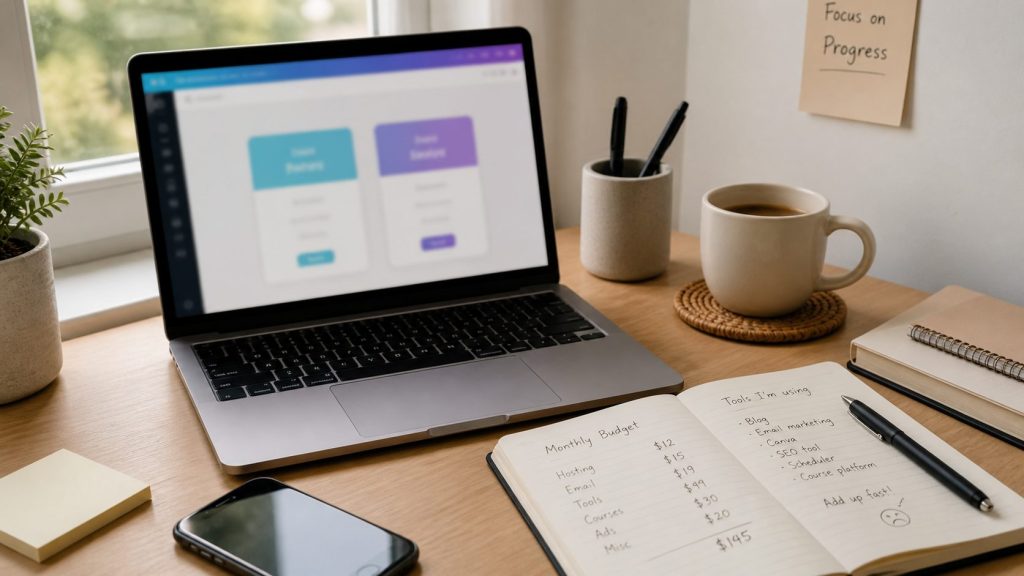
That feeling gnaws at you particularly when you’re trying to build something that works on a shoestring budget (which is pretty common.)
If you’re in your first year of business, every monthly subscription can feel small on its own, but together they add up really fast.
And when you’re still learning what your business really needs to move forward, paying for tools too early creates more stress than progress.
The good news is that most beginners do not need Canva Pro right away.
In many cases, the free plan is more than enough to help you create clean, professional visuals while you focus on learning the larger skills that move a business forward.
Now, there are some things the free version does well. And there are situations when paying makes sense.
Let’s look at how to decide. . . without second-guessing yourself.
What Most New Business Owners Really Need From Canva
In year one, your design needs are generally simpler than you might think.
In fact, you only need a handful of reasonably ok visual assets. You DON’T need an entire branded design system with dozens of polished variations.
For most new business owners, the basic graphics they need look something like this:
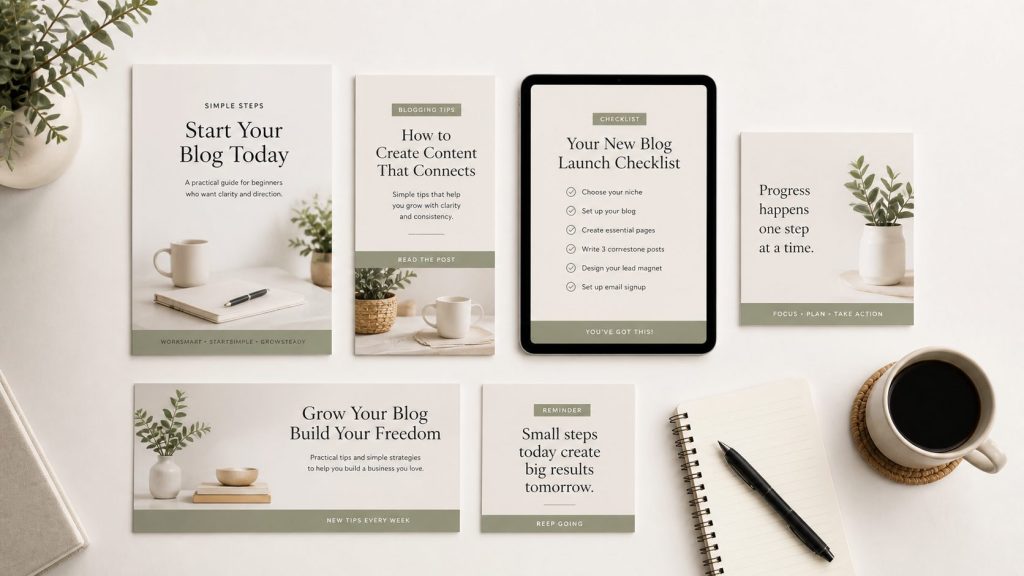
- Blog post graphics
- Pinterest pin designs
- Simple lead magnet covers
- Social media images
- Basic worksheets or checklists
- A clean-looking logo
- Branded headers or banners
That is a very manageable list, and Canva’s free version can certainly handle it without much difficulty.
The trap is thinking that because Canva Pro offers more templates, more stock photos, more brand tools, and more automation, you must need those things to look legitimate.
That’s generally not the case.
The thing is, you need consistency more than complexity.
A clean pin with readable text and a clear, effective message will outperform an over-designed one. A simple PDF cover that looks organized and trustworthy is enough to get going with.
And a basic brand color palette that you apply consistently matters far more than having unlimited premium elements.
In other words, the real question is not “Which version has more features?” It’s “What will help me move my venture forward without getting stuck?”
If getting stuck is something you’re dealing with right now, having a simple structure to keep you moving can make a bigger difference than any tool. That’s exactly what I focus on inside my accountability coaching: helping you stay consistent with the work that actually grows your business.
Where Canva Free Is Usually Enough
Canva Free gives you a surprising amount to work with.
It is usually enough for things like:
- Starting your first blog or niche site
- Building simple Pinterest graphics
- Creating a lead magnet or checklist
- Making basic social media posts
- Testing ideas before investing more
- Learning your visual style as you go
This matters because in year one, experimentation is part of the job.
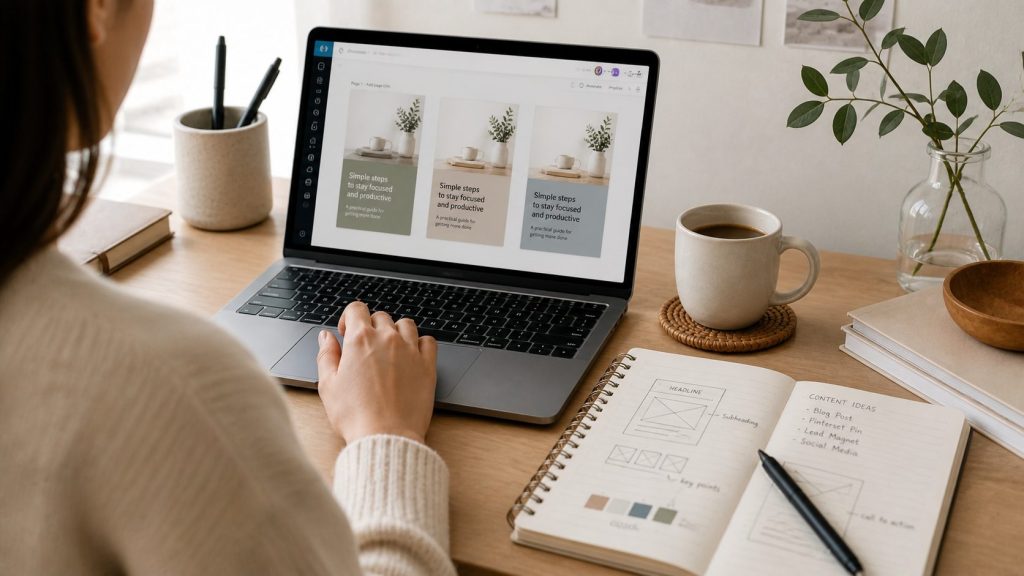
You are figuring out what kind of content you enjoy making, what your audience responds to, and what kind of visuals match your business.
Paying for premium tools before you know those things can be a bit like buying every kitchen gadget before you’ve cooked your first decent meal!
And there’s something else too: Canva Free helps you keep your focus where it belongs.
If you only have a smaller set of tools and templates, you are more likely to choose something, customize it, and move on.
That is not a bad thing.
Constraints can in fact, help new business owners get more done.
The same idea applies to how you run your business day-to-day. A simple system, with someone keeping you accountable to it, often beats constantly switching tools or strategies.
One of the smartest ways to use Canva Free is to pick just a few repeatable templates.
For example, pick one style for blog graphics, one for Pinterest pins, one for Instagram, and one for lead magnet covers. From there, change the headline, image, and colors as needed, but keep the structure familiar.
That saves time and helps your content start to look consistent, even if your brand is still taking shape.
Personally, I used Canva’s free version for years before ever upgrading. Even then, I sometimes reverted to the free version because that’s all I needed at the time.e.
When Canva Pro Starts To Make Sense
There does come a point when Canva Pro becomes helpful, but that point is often further away than people think.
Paying makes sense when you are creating visuals regularly enough that time savings matter more than the subscription cost.
It can also help when you’ve reached the stage where consistency across your business is becoming harder to manage manually.
Consider Canva Pro if:
- You publish content several times a week
- You want quick access to a larger stock photo and element library
- You are managing multiple content types at once
- You want brand kits, saved fonts, and easier color consistency
- You resize designs often for different platforms
- You are creating digital products more regularly
The resize feature alone can be a real convenience once you are repurposing content often.
Creating one graphic and adapting it for Pinterest, Facebook, email headers, and blog images is much easier when the system does some of that work for you.
That said, convenience is different from necessity.
A lot of new business owners upgrade because they are tired, overwhelmed, or afraid their business won’t look polished enough.
That is understandable, but it is not always a solid reason to spend money.
If the subscription is not saving meaningful time or helping you produce better content consistently, it may still be too soon.
A good rule of thumb is this: if Canva Pro solves a repeated problem you run into every week, it might be worth paying for. If it only feels nice to have in theory, keep your money a little longer..
How To Decide Without Overspending
If you are unsure which plan makes sense, the best approach is to decide based on your current workload, not your future dream business.
It is easy to buy tools for the business you hope to have six months from now. It’s FAR better to equip the business you’re actually running today.
Ask yourself:
- Am I publishing enough content to benefit from premium features?
- Do I regularly hit limits in the free plan?
- Is Canva slowing me down, or am I just still learning?
- Would this monthly cost be better spent somewhere else right now?
- Am I upgrading for function, or just for reassurance?
That last question is worth thinking about for a minute.
Sometimes paying for a tool feels like progress because it makes the business feel more official.
But official-looking and profitable are not the same thing.e thing.
In many cases, what actually moves things forward is consistent execution over a few weeks. If that’s the part you find hardest to maintain, structured accountability can be surprisingly effective.
In the first year, it is usually smarter to spend on tools that help you build the business itself, such as hosting, email marketing, keyword research, or a simple course that helps you avoid beginner mistakes.
Design matters, yes. But good visuals support your message. They do not replace it.
Your message is still the king, not the graphics.
A Simple Way To Plan Your First-Year Canva Usage
Here is a practical way to use Canva without turning it into another expensive rabbit hole.
Start With Canva Free
Use the free plan for at least your first few months unless you already know you will be producing content at a high volume.
Create A Mini Visual System
Keep it minimal. Pick 2 brand colors, 1 or 2 fonts, and put together 3 reusable templates with a consistent photo style. That is enough to make your visuals recognizable without making branding feel complicated.
Build Only What You Need Right Now
Focus on the assets your business uses TODAY. That means a featured blog image, a Pinterest pin, a freebie cover, and a social media promo graphic. Skip extras until they serve a real purpose.
Track Friction Points
Make note of what keeps slowing you down.
Are you constantly searching for better images? Resizing designs manually? Rebuilding the same style from scratch?
Those repeated annoyances will tell you whether Pro is worth it.
Upgrade Only After A Pattern Appears
If the same problems keep coming up and Canva Pro would clearly save time each week, then upgrading becomes a business decision, not an emotional one.
Free helps you start. Paid helps you streamline.
If you want help staying consistent with the basics, without overcomplicating things, you might want to look into my 30-day accountability coaching. It’s designed to help you follow through on what you already know you should be doing.
Start small. Then upgrade only when your work clearly demands it.
Frequently Asked Questions
Is Canva Free enough for beginners?
Yes. For most beginners, Canva Free is more than enough to create clean, professional visuals for blogs, social media, and lead magnets. In your first year, consistency matters more than access to premium features.
When should I upgrade to Canva Pro?
You can consider upgrading when you are creating content regularly and the free version starts slowing you down. If you find yourself frequently needing more templates, resizing designs, or managing multiple visual assets, Canva Pro may save you time.
What is the biggest advantage of Canva Pro?
The biggest advantage is convenience. Features like one-click resizing, brand kits, and a larger media library help you create content faster and maintain consistency as your workload grows.
Can I build a brand using Canva Free?
Yes. You can build a simple and effective brand using Canva Free by choosing a few colors, fonts, and templates and using them consistently across your content.
Is Canva Pro worth it for small businesses?
It depends on your stage. For new businesses, it is often not necessary. For growing businesses that produce content frequently, it can become worth it because it saves time and simplifies design work.