
*This post may contain affiliate links for which I earn commissions.*
Do you need to have a fully developed website before you can start building an email list?
With a polished homepage, an active blog with many posts, logo, brand colors and maybe even your own products for sale?
Lots of beginners assume that’s the case.
And that thought makes them put the whole idea on hold. Forever.
Here’s the good news. . .you certainly do NOT need a complete website to start collecting email subscribers.
In fact, for many beginners, starting with a simple email list first is often the smarter move. It lets you begin building an audience, testing your message, and creating momentum before you invest time and money into a bigger setup.
I’ll walk you through why email matters a LOT, how to start with basic tools, and what to do step by step if you want to begin growing a list before your website is ready.
You don’t need to build something fancy. You just need to start simple and start well.
Why Email Matters More Than Most Beginners Realize
When you are new to online business, it is easy to focus on the visible things first. Social media posts. Logos. Website themes.
But email is one of the few assets you can build that gives you a direct line to people who actually want to hear from you.
If someone follows you on social media, that’s great. But the harsh truth is, you cannot control whether they see your next post.
Why?
Because these platforms keep changing all the time. Algorithms shift. Your social accounts can stall anytime, without warning. And the reach you assume your posts will always have can disappear very quickly, like mist in the summer sun.
An email list is different. When someone gives you their email address, they are giving you permission to show up in a more personal space. That matters.
Most importantly, you are not living with the ever-present threat of social algorithms limiting your reach. You can show up in their inboxes when you send an email.
For a beginner, an email list can help you:
• build trust over time
• stay in touch even if social platforms change
• share new content, offers, or ideas directly
• learn what your audience actually cares about (feedback is a key part of why email marketing is so powerful)
• create a profitable business asset even before everything else is fully built
This is especially useful if you are starting in midlife and want to be practical with your time.
You may not want to spend months building a site before knowing whether anyone is interested in your topic. An email list helps you validate interest early.
Unfortunately, I didn’t build any email list until years into my online business journey. That cost me more money and peace of mind than I can ever calculate.
However, you don’t have to repeat my mistake.
Start With a Simple Offer, Not a Full Brand
Should you wait until they have your niche, message, and branding are all perfectly figured out?
That certainly sounds like the right thing to do.
In reality though, that approach often becomes a form of procrastination.
You do not need a perfect brand to start an email list. You just need a simple reason for someone to join.
That reason is often called a lead magnet, freebie, or opt-in offer. If you are brand new, that may sound complicated.
It is not.
Your offer can be very basic. . .as long as it’s useful.
Here are a few beginner-friendly ideas:
• a one-page checklist
• a short PDF guide
• a simple resource list
• a mini email course
• a worksheet or planning template
For example, if your business is about helping beginners start online income streams, your free offer might be something like:
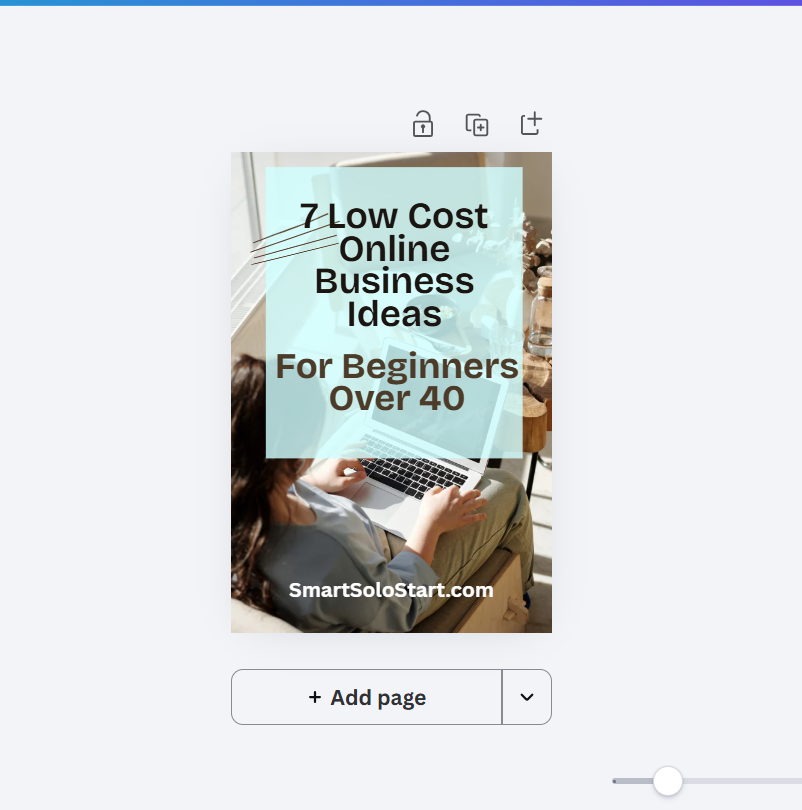
• 7 Low-Cost Online Business Ideas for Beginners Over 40
• A Simple Weekly Plan for Starting an Online Business in 30 Minutes a Day
• Beginner Tools Checklist for Starting an Email List
Notice what these have in common. They are clear, practical, and specific. They solve one small problem. That is all you need.
You are not trying to impress people with a giant free course. You are trying to give them a useful first win.
Use a Landing Page Tool Instead of Waiting for a Website
This is another place where a lot of people get stuck, but it is actually the easy part.
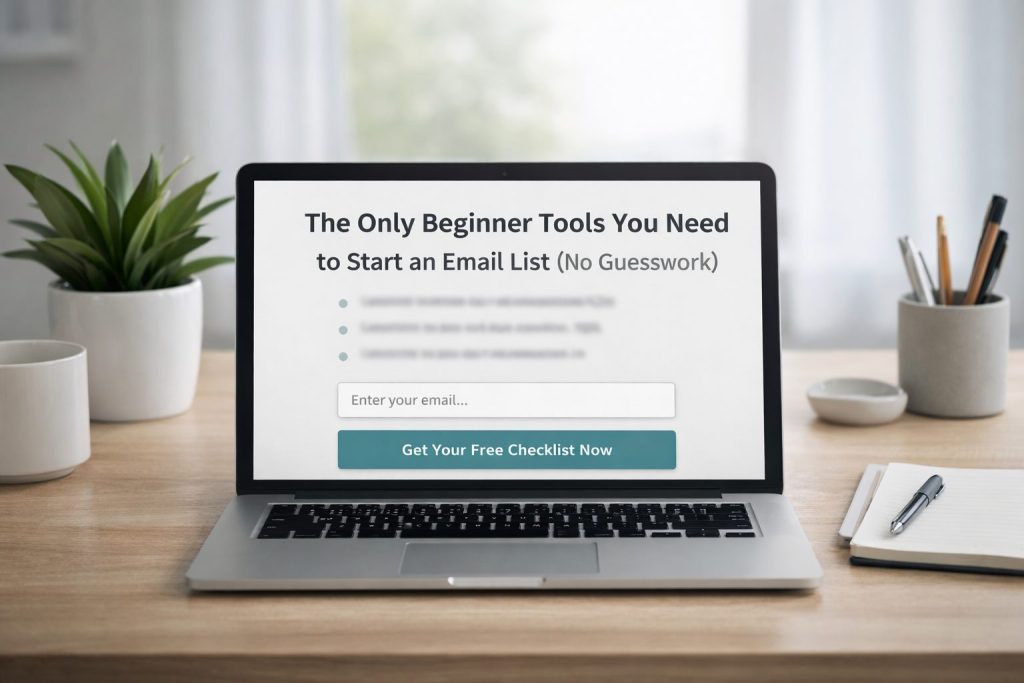
You do not need a full website to collect email addresses. You only need a landing page.
What’s a landing page?
It’s a single page with ONE single job: invite people to sign up for your email list.
That page usually includes:
• a simple headline
• a few lines explaining the benefit
• an email sign-up form
• and a button to subscribe
That’s it.
Most email marketing platforms allow you create a landing page even if you don’t have a website. This means you can start building your list with one page and one offer instead of trying to build a website and spending time on that.
A beginner-friendly email tool like Aweber, Getresponse or another email platform with landing page features can be a solid place to start.
These tools are especially helpful for people who want a clean setup without too much tech friction. If you plan to recommend tools as an affiliate later, this can also be a natural place to mention the platform you trust.
Aweber includes a simple drag-and-drop landing page builder in all their plans – even the free plan, which is awesome. And they have great 24/7 support.
Getresponse has a generous “Free Forever” plan that let’s you start your email marketing journey without spending any money. And the platform is simple to use too, despite it having advanced features (which you don’t need in the beginning).
The best choice is usually the one you can set up and start using this week.
A simple landing page beats an unfinished website every time.
Focus on Getting Your First 10 to 50 Subscribers
When people hear “build an email list,” they often jump straight to big numbers. That can make the whole process feel intimidating. A better goal is to focus on your first few real subscribers.
Your first 10 to 50 people matter because they help you build confidence and gather feedback. These early subscribers show you whether your message makes sense and whether your offer is useful.
You can get those first subscribers in simple ways:
• add your landing page link to your social media bio
• mention your free resource in Facebook groups where appropriate
• share it with friends or colleagues who fit your target audience
• include it in relevant comments, conversations, or communities when it genuinely helps
• create a few helpful posts around the problem your freebie solves
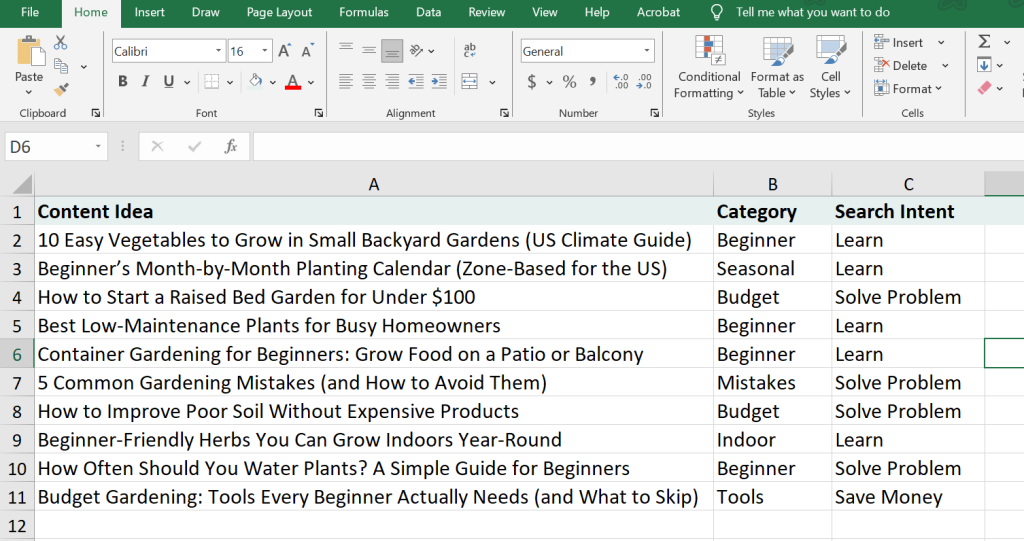
For example, if your freebie is about starting an online business after 40, you could write short posts around questions like:
• Where should I start if I feel behind with tech?
• What online business model is simplest for beginners?
• What tools do I really need to begin?
Then invite people to download your free checklist or guide.
This is where beginners often overcomplicate things. You do not need traffic from everywhere. You need a clear message and a small number of the right people.
Momentum starts small. That is normal.
A Simple Framework to Start Your Email List This Week
Here is a practical way to get moving without overthinking it.
Step 1: Pick one audience problem
Choose one small problem your ideal reader wants help with.
Examples:
• feeling overwhelmed by online business options
• not knowing what tools to start with
• needing a simple weekly action plan
Step 2: Create one basic free resource
Make it short and useful. A checklist, cheat sheet, or one-page guide is enough.
Make it something the subscriber can go through in a few minutes. Easy-to-consume resources do a lot better than long-winded reports / videos.
Step 3: Set up an email platform
Choose an email tool that includes forms or landing pages. Create a basic account, a sign-up form, and a thank-you page.
Step 4: Write a simple landing page
Keep it clear. You don’t really need clever copy.
And don’t let anyone tell you that you need to be an expert copywriter before you can build a landing page.
Use this structure:
• headline: what they get
• short paragraph: why it helps
• 2 to 3 bullet points: what’s inside
• call to action: join or download
Step 5: Write one welcome email
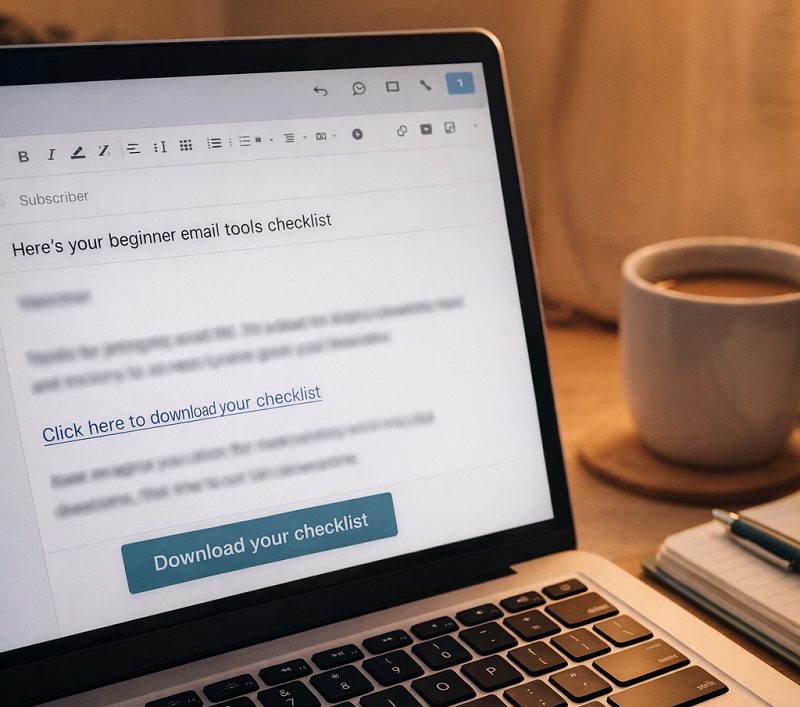
When someone subscribes, send a short email that:
• delivers the free resource
• thanks them for joining
• tells them what kind of emails to expect next
Step 6: Share the link consistently
Post it where your audience already sees you. Do not just share it once and forget it.
Quick checklist
• Choose one topic
• Create one freebie
• Set up one landing page
• Connect one email form
• Write one welcome email
• Share one link in a few relevant places
That is enough to get started.
Affiliate Mentions That Fit Naturally
If you want to include helpful affiliate recommendations in a post like this, the most natural fit is an email platform or landing page builder.
For example, you could mention:
• Aweber for beginners who want an easy email setup with landing pages
• Getresponse for creators who want a simple to use, yet advanced system that has funnel builders, a webinar platform and more
• Canva for designing a simple PDF checklist or lead magnet
• Google Docs or Notion templates for drafting a free guide before investing in other tools
The key is to recommend tools as support, not as magic solutions. A beginner does not need a big stack. They need one tool that helps them take the next step.
Starting an email list without a website is not cutting corners. In many cases, it is the most practical way to begin.
It gives you a simple path forward when everything else still feels a bit unfinished. You can build an audience, test your message, and start creating real connections before your site is fully ready.
That is a smart move, especially if your time and energy are limited.
So do not wait until every page is built and every detail looks polished. Start with one offer, one landing page, and one welcome email. That small beginning can turn into something much bigger over time.
Starting smart is better than starting perfect. Every time.