
*This post may contain affiliate links for which I earn commissions.*
If you’ve ever tried to “just set up a simple website” and ended up staring at confusing dashboards, strange terms, or dozens of buttons you didn’t understand, you’re not alone.
Many website builders are designed by people who assume you already know the basics.
Seriously wrong assumption for many folks. 🙁
You’re starting fresh in your 40s, 50s or beyond. You’re juggling work, family, and a dozen other responsibilities.
You certainly don’t have time to figure out what “CSS” or “plugins” mean. You just want something that works. Something simple.
Well, there’s good news. You don’t need technical skills to get a clean, functional website up and running anymore. There are genuinely simple tools available.
If you pick the right one, that is.
I’ll walk you through a few of the easiest website builders for beginners. And compare them based on what matters most. . .
. . . Things like how easy they are to use, how much they cost, and how steep the learning curve feels in the first few days.
From a tech point of view, things are a LOT better today as compared to years ago when I built my first website. There were practically no good website builders back then. Not even WordPress.
If you’re starting today, you really have it far easier!
What Actually Matters When Choosing a Website Builder
Before we compare tools, let’s simplify the decision.
Most beginners get distracted by features they won’t use. This leads them to an endless loop of confusion and indecision.
Instead, focus on these three things:
1. How quickly you can get your first page live
It shouldn’t take long at all for a beginner to put up their first page live online. No more than say, a couple of hours on the outside.
If it takes longer than that, the tool is too complicated for where you are right now.
2. How “forgiving” the interface feels
Can you click around without fear of breaking something? Can you undo mistakes easily? This matters more than advanced design control. For now, anyway, when you’re starting off.
3. Monthly cost without surprises
Many platforms look cheap upfront, then add costs for basics like email signup forms or custom domains.
Be sure to read the fine print before signing up and look at the market feedback too. If in doubt, write to their support and ask questions.
Keep these three filters in mind as we go through the options.
1. Wix: The Easiest Starting Point
Wix is often a good place to begin if you’ve never built a website before, for several reasons.
What it feels like
First off, it’s easy to use. You choose a few simple options initially. Then the actual designing is a bit like arranging items on a PowerPoint slide. You drag text, images, and buttons exactly where you want them.
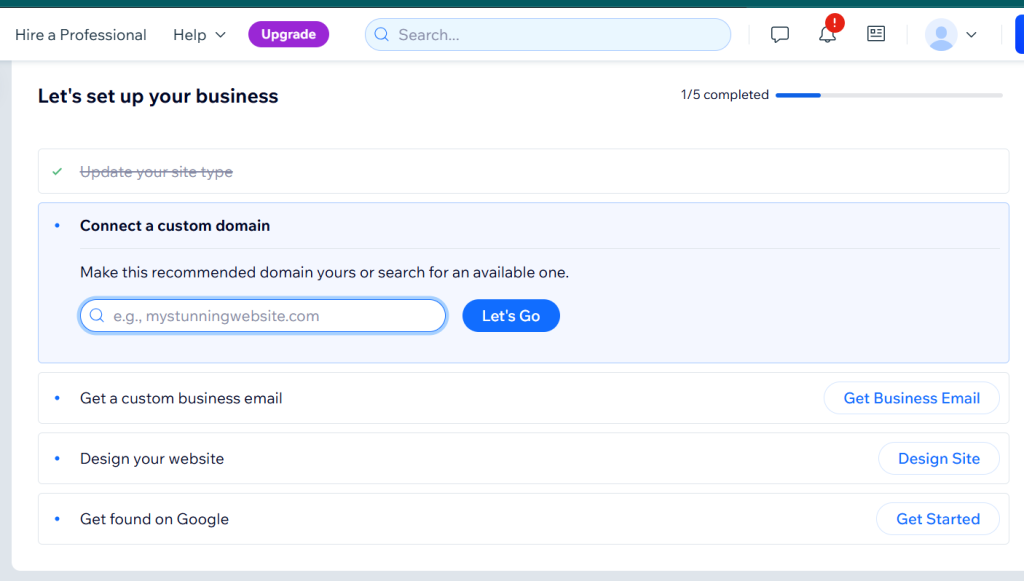
You’ve done this sort of thing before.
Here’s why beginners like it
- It’s very visual and intuitive
- No technical setup required
- Plus, when you make changes, you can the effect instantly
And here’s where it can feel limiting later
- Designs in Wix can get messy if you move things around too much. It’s not great for those who want fine control over site design.
- Not ideal if you want to scale into blogging or SEO-heavy content
Cost
There’s a free plan available, but you’ll likely want a paid plan for a custom domain.
Who is Wix best for?
Basically, it’s for anyone who wants a simple website for a service, portfolio, or basic online presence without overthinking and going into an endless design loop.
If that’s you, go for it.
2. Squarespace: Clean, Structured, and Calm
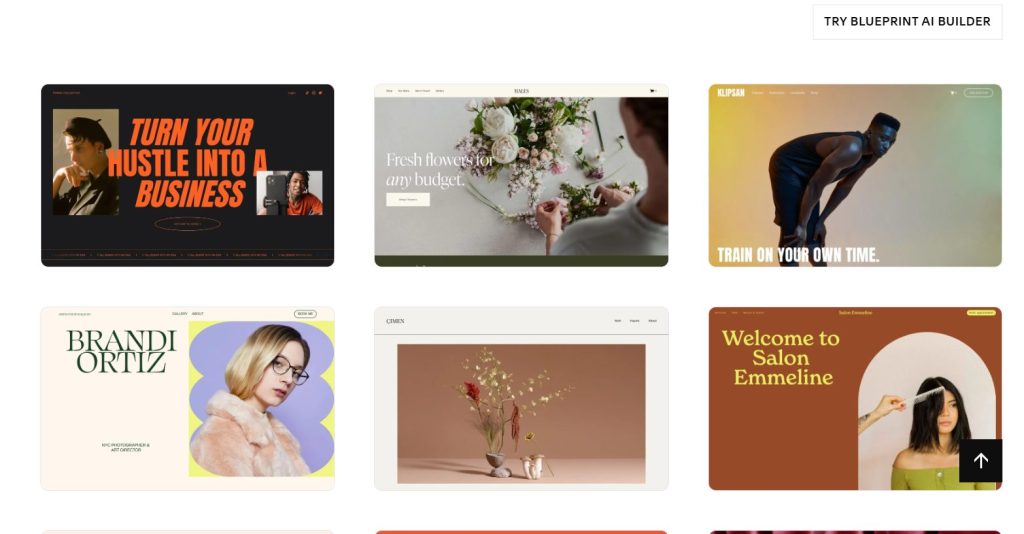
Squarespace is a good choice if you want things to look polished without much effort. You can show your pals the cool looking website you made and brag a little!
What it feels like
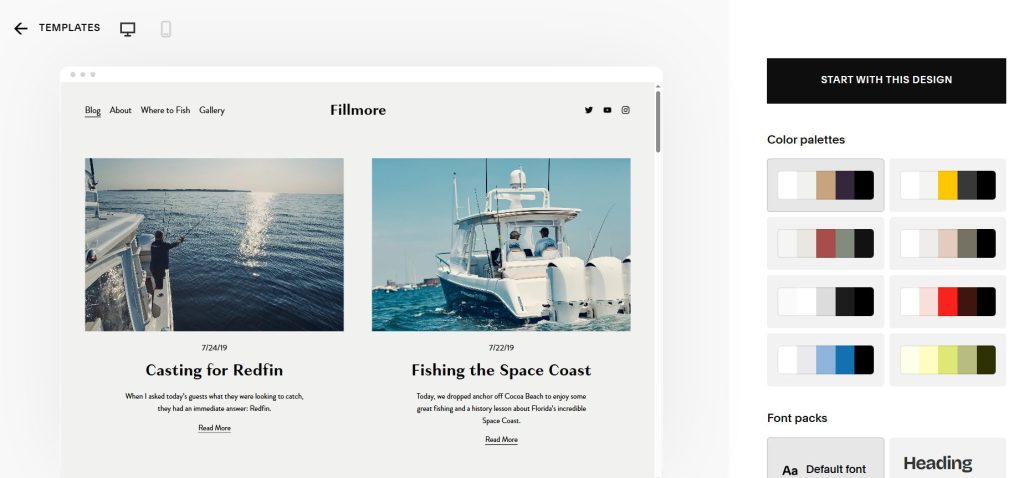
It’s more structured than Wix. Instead of placing things anywhere, you work within neat sections and layouts.
Here’s why beginners like it
- Squarespace templates look professional right away, even without additional effort on your part
- It’s hard to “mess up” the design
- Everything feels organized and consistent
Where it can feel frustrating
- Less freedom to move elements around. Which is why it’s more difficult to mess up the design!
- Slight learning curve to understand the sections and blocks
Cost
They don’t have a free plan, but pricing is straightforward and includes most essentials.
Who is it best for?
Squarespace is for people who value simplicity and clean design, especially for personal brands, blogs, or small business sites. This can be a good choice for many people.
3. WordPress.com: Flexible but Slightly Steeper Learning Curve
WordPress.com is a great option, but it’s important to understand what you’re getting into.
Incidentally, WordPress comes in two flavors – WordPress.com, which is a managed service where the company provides hosting with the WordPress platform pre-installed on it. Nothing to install.
Then there is the self-hosted option. Here, you download WordPress from WordPress.org, install it on your web hosting account in a few clicks and build a site on it.
The second option is what my site you’re on right now uses.
However, this discussion is about WordPress.com and not the self-hosted variety.
That’s because this tutorial is aimed at beginners who don’t want to mess with tech. (Though using the self-hosted option is pretty easy, once you try it.)
Here’s what it feels like
It’s less visual than Wix or Squarespace at first. You’ll spend a bit more time understanding how pages, posts, and themes work.
And here’s why it’s worth considering
- Better for long-term blogging. (And once you are familiar with it, you could use self-hosted WordPress on your own hosting account for other sites you build.)
- You have more control as you grow
- It has a strong ecosystem of tools and integrations. Which means you can do a lot of things without having to touch code
Where beginners struggle
- The interface can feel less intuitive initially. Though in my opinion, it’s not very difficult to understand
- Some features are locked behind higher plans
Cost
There’s a free plan available, but most useful features require a paid plan.
Who is WordPress.com best for?
This is for someone who plans to write regularly, build content over time, or grow into affiliate marketing and SEO.
4. Carrd: The simplest of them all
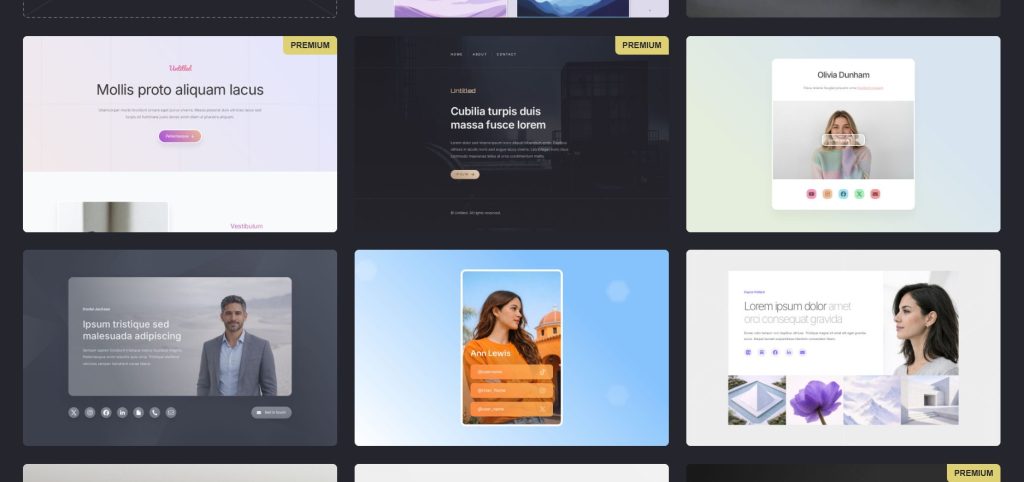
Carrd is often overlooked, but it’s one of the easiest ways to get started.
Here’s what it feels like
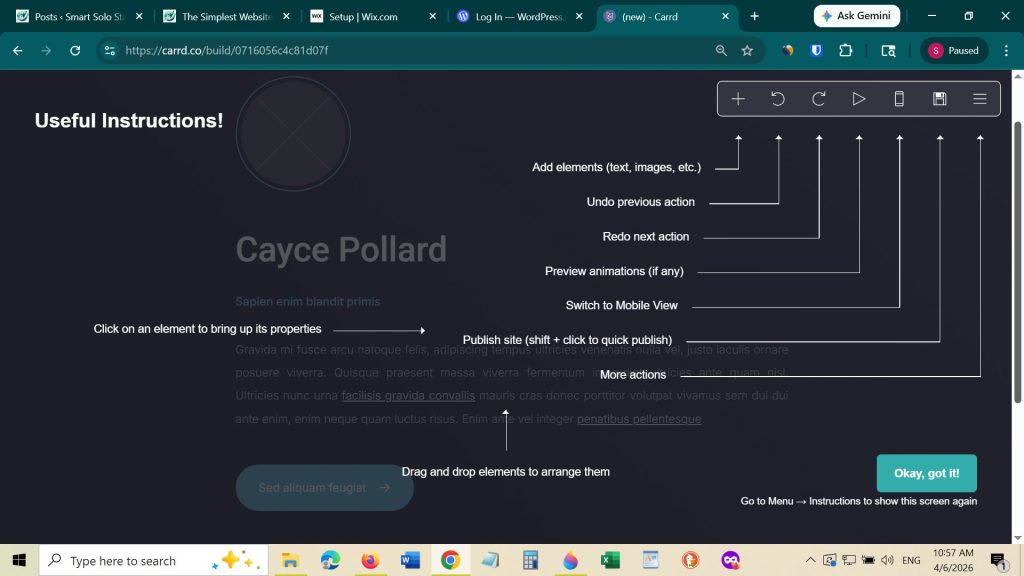
In two words – extremely simple!
You’re building a single-page site with sections stacked vertically.
Here’s why beginners love it
- You can set up your site very quickly
- Minimal decisions required on your part
- Comes at a low cost
Limitations
- Not suitable for larger websites. It’s actually designed for single page sites, although you can create multi-page sites to an extent
- It has limited design and expansion options
Cost
Very affordable, even on paid plans.
What is Carrd best for
It’s good for landing pages, simple profiles, or testing an idea before building something bigger.
To try out the truly low-cost Carrd, click here.
A Simple Way to Choose (Without Overthinking)
If you’re still unsure, here’s a straightforward way to decide:
- Choose Wix if you want maximum ease and freedom
- Choose Squarespace if you want clean design with less effort
- Choose WordPress.com if you plan to grow a content-based site
- Choose Carrd if you just want something live quickly
You don’t need the “perfect” platform. You need one that helps you start.
A Beginner-Friendly Setup Plan You Can Follow Today
Here’s a simple process you can use to get your website live without getting stuck.
Step 1: Pick one platform and commit
Don’t compare endlessly. Choose one based on the section above and move forward.
Step 2: Use a template
All these platforms offer templates. Pick one that feels clean and readable. Don’t worry about perfection.
Step 3: Create just 3 pages
Start small:
- Home page
- About page
- One simple offer or blog post
Step 4: Add basic content in plain language
Just go ahead and write like you speak. You can always refine later.
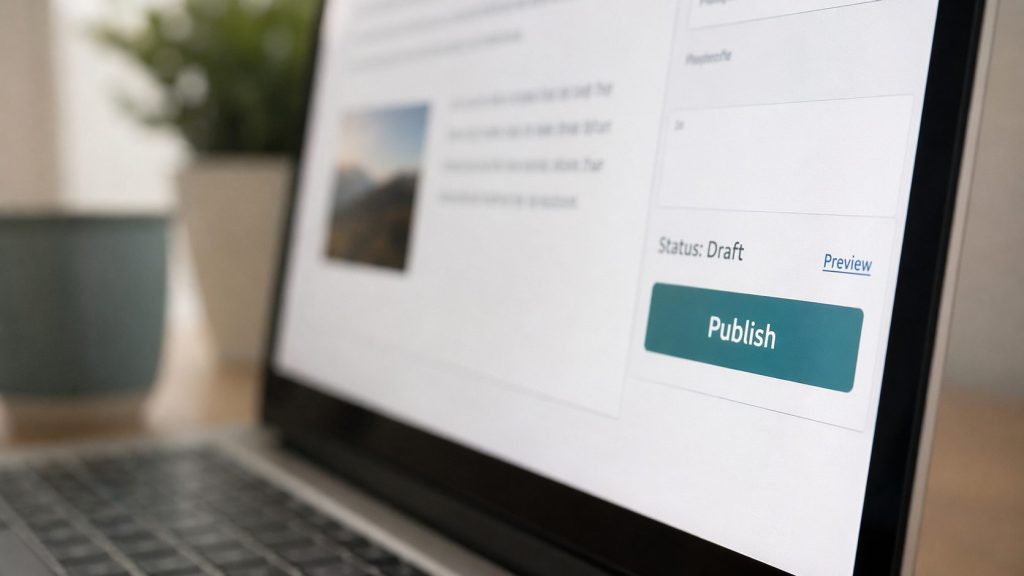
Step 5: Publish, even if it’s not perfect
Your first version is just a starting point, not a final product. So quit worrying about what everyone will think!
Helpful Tools That Make This Even Easier
If you want to make the process smoother, a couple of simple tools can help.
An email tool like Aweber is useful if you plan to collect email addresses from your site. It’s beginner-friendly and integrates easily with most builders.
For writing content, tools like ChatGPT can help you draft outlines or refine your wording when you feel stuck.
These are not mandatory, but they can save time and reduce frustration, especially in the early stages.
Starting a website in your 40s or 50s can feel like stepping into unfamiliar territory. But it doesn’t have to be complicated.
The truth is, most successful online businesses don’t start with perfect websites. They start with simple ones that the creator improves over time.
Most of all, focus on ease. Focus on getting something live, no matter how imperfect. And most importantly, focus on learning by doing.
You don’t need to master everything today. You just need to take the first step with a tool that feels manageable for YOU.